How to Buy a Custom Workstation on GeM Portal
Applications such as ANSYS, MATLAB, SolidWorks, CATIA, AutoCAD, COMSOL, TensorFlow, PyTorch, and other engineering or AI software demand powerful processors, professional graphics cards, high-capacity memory, and fast storage.
A custom workstation on GeM Portal allows buyers to procure a system configured specifically for their technical requirements instead of purchasing a standard off-the-shelf desktop. Whether you need additional RAM, a professional NVIDIA RTX GPU, larger SSD storage, or a higher-performance processor, a custom workstation can be configured to match your application while complying with GeM procurement requirements.
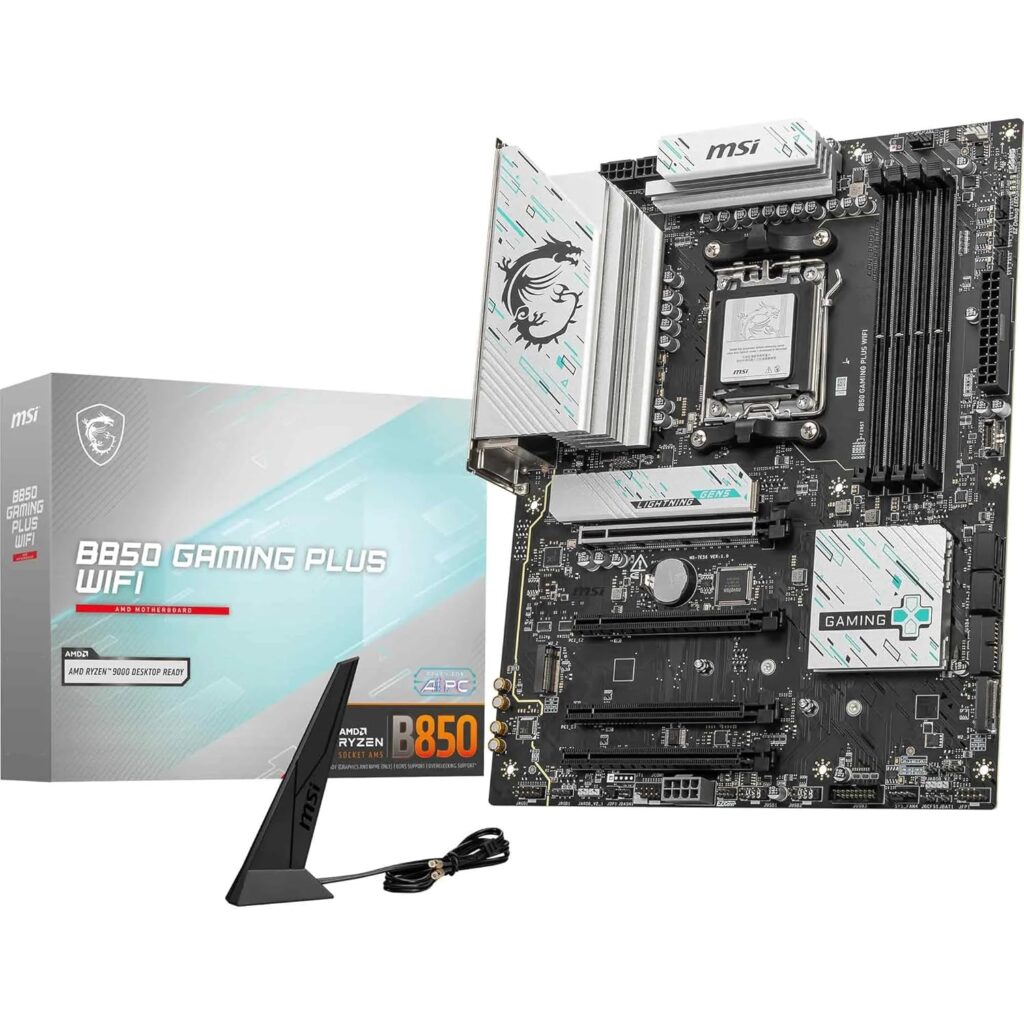
What is a Custom Workstation?
A custom workstation is a high-performance desktop computer designed and configured according to the workload of a specific user or organization.
Unlike a standard office desktop, a workstation can be customized with:
- High-performance Intel Core Ultra or Intel Core i9 processors, Intel Xeon processors for enterprise workloads
- Professional NVIDIA RTX graphics cards
- Large memory capacity (32GB, 64GB, 128GB or higher)
- High-speed NVMe SSD storage and Multiple storage drives
- Better cooling systems
- Higher wattage power supplies
- Expandable PCIe slots
- Professional operating systems
The purpose is to provide reliable performance for demanding engineering, scientific, AI, and research applications.
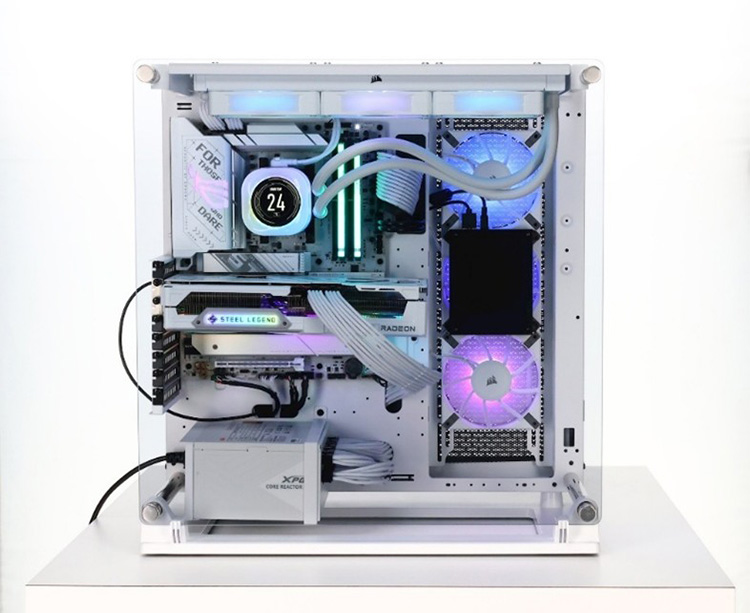
Standard Desktop vs Custom Workstation
| Feature | Standard Desktop | Custom Workstation |
|---|---|---|
| Office Work | Excellent | Excellent |
| CAD Design | Limited | Excellent |
| 3D Modeling | Limited | Excellent |
| Engineering Simulation | Not Recommended | Excellent |
| AI & Machine Learning | Limited | Excellent |
| Professional GPU | Usually No | Yes |
| Upgrade Options | Limited | Extensive |
| Heavy Rendering | Slow | Fast |
| Scientific Computing | Limited | Excellent |
| Future Expansion | Low | High |
If your organization works with technical software, investing in a workstation generally provides better long-term value than purchasing a standard desktop.
Need Quotation as per your configuration? Call @+91 9910149260
Applications That Require a Custom Workstation
Mechanical Engineering
- ANSYS Mechanical
- SolidWorks
- CATIA
- Creo
- Siemens NX
Civil Engineering
- ETABS
- STAAD.Pro
- SAFE
- AutoCAD Civil 3D
- Revit
Architecture
- Revit
- Lumion
- SketchUp
- Twinmotion
AI and Machine Learning
- TensorFlow
- PyTorch
- CUDA-based development
- Large Language Models (LLMs)
Scientific Research
- MATLAB
- COMSOL Multiphysics
- Abaqus
- OriginPro
- LabVIEW
Media and Visualization
- Blender
- Adobe Premiere Pro
- After Effects
- DaVinci Resolve
How to Choose the Right Configuration
Processor
The processor is the heart of the workstation.
Choose:
- Intel Core Ultra 7/9
- Intel Core i7/i9
- Intel Xeon (for enterprise workloads)
- Ryzen series
Higher core counts are useful for simulation and rendering, while higher clock speeds benefit many CAD applications.
Graphics Card
Professional graphics cards are recommended for engineering applications.
Examples include:
- NVIDIA RTX A2000
- NVIDIA RTX 4000 Ada
- NVIDIA RTX 4500 Ada
- NVIDIA RTX 5000 Ada
Professional GPUs provide better stability, certified drivers, and improved performance.
RAM
Recommended memory:
- Office Applications – 16GB
- CAD – 32GB
- Engineering Simulation – 64GB
- AI & Machine Learning – 64GB to 128GB
- Scientific Computing – 64GB+
Having sufficient RAM reduces bottlenecks during large simulations and data processing.
Storage
Recommended configuration:
- 1TB NVMe SSD for operating system and software
- Additional SSD or HDD for project files
- RAID configuration if required
Power Supply
A workstation with a professional GPU requires an appropriately rated power supply.
Using an undersized PSU may affect system stability under heavy workloads.
Cooling
Engineering workloads often keep the processor under sustained load.
Proper thermal management helps maintain consistent performance and increases hardware reliability.
Can You Customize RAM, SSD, GPU, and Processor on GeM?
Yes. Depending on the procurement requirement and product category, buyers may procure workstation configurations that meet their technical specifications.
Typical customization includes:
- Processor selection
- Graphics card selection
- RAM capacity
- SSD capacity
- Additional storage
- Operating system
- Wireless networking
- Warranty options
However, the final configuration should comply with the bid specifications, compatibility requirements, OEM policies where applicable, and the applicable GeM procurement process.
Frequently Asked Questions (FAQs)
1. Can I buy a custom workstation on GeM Portal?
Yes. Buyers can procure a workstation configured according to their technical requirements, provided the configuration complies with the applicable GeM category specifications and procurement process. Before ordering, it is advisable to confirm that the selected configuration satisfies your software, performance, and warranty requirements. Swastik is a GeM-registered vendor and can deliver custom workstation on GeM portal.
2. Is it possible to customize RAM, SSD, graphics card, and processor before placing an order?
Yes. Depending on the available catalog or bid specifications, buyers can select suitable processor, memory, storage, graphics, and operating system configurations. The supplied system should match the configuration committed by the seller.
3. Can government buyers procure workstations that are not listed as standard catalog models?
Yes. Where procurement is through bidding or an appropriate GeM mechanism, buyers can define the technical specifications required for their application, provided they remain within GeM’s category framework and procurement rules. swastik can deliver custom pc on GeM portal.
4. What is the difference between a standard desktop and a custom workstation?
A standard desktop is designed for office productivity, while a workstation is engineered for resource-intensive applications such as engineering simulation, CAD, AI, rendering, scientific computing, GIS, and research. Swastik also help our clients to purchase the right configuration system after understanding what would be the right choice.
5. Should I purchase a desktop or a workstation for engineering software?
Applications such as ANSYS, SolidWorks, CATIA, Abaqus, MATLAB, COMSOL, and similar software generally benefit from workstation-class hardware with higher memory capacity, faster processors, and professional graphics.
6. How do I decide the correct workstation configuration for my department?
The configuration should be based primarily on the software being used rather than only on budget. Consider:
- Primary application
- Number of simultaneous users
- Size of datasets
- Expected workload
- Future upgrade requirements
- Budget availability
7. Which processor is recommended for engineering workstations?
For most engineering workloads, modern Intel Core Ultra, Intel Core i9, or Intel Xeon processors are common choices depending on application requirements and workload characteristics. We can support with custom workstation purchases on GeM.
8. How much RAM should a research workstation have?
Typical recommendations are:
- CAD Design: 32 GB
- Engineering Simulation: 64 GB
- AI & Deep Learning: 64–128 GB
- Scientific Computing: 64 GB or higher
9. Which graphics card is suitable for engineering applications?
Professional workstation GPUs are generally preferred for engineering software because they are optimized for stability, certified drivers, and compatibility with professional applications.
10. Is a gaming graphics card suitable for ANSYS or SolidWorks?
Consumer gaming GPUs may work for certain workloads, but many organizations prefer professional workstation GPUs for better software certification, reliability, and long-term support.
11. Can one workstation run ANSYS, MATLAB, AutoCAD, and SolidWorks together?
Yes, provided the system is configured with sufficient processor performance, RAM, professional graphics capability, and storage. Configuration should be selected according to the most demanding application in the software stack.
12. Can I purchase a workstation specifically for AI and Machine Learning?
Yes. AI workloads generally require a powerful multi-core processor, substantial RAM, fast NVMe storage, and an NVIDIA GPU that supports CUDA-based acceleration.
13. Which workstation is suitable for CFD and FEA simulations?
CFD and FEA applications typically benefit from higher CPU performance, larger memory capacity, and professional graphics hardware for visualization.
14. Can I use the same workstation for CAD, rendering, AI, and programming?
Yes. Many organizations standardize on a single high-performance workstation configuration capable of supporting multiple technical workloads.
15. How can I verify that the delivered workstation is genuine?
At the time of delivery, buyers should verify:
- OEM serial number
- Model number
- Hardware configuration
- Warranty status
- OEM website verification
- Operating system authenticity
Many GeM workstation documents specifically advise buyers to verify the configuration using the OEM website before acceptance.
16. Can the supplied workstation differ from the quoted configuration?
No. The supplied hardware should match the approved configuration and specifications. Buyers should inspect the system before issuing acceptance. Recent GeM conditions also emphasize that systems should not be altered from their approved factory configuration where applicable.
17. How do I verify the installed RAM, SSD, and graphics card?
Buyers can verify:
- BIOS information
- Windows System Information
- Device Manager
- Storage Management
- OEM support portal
- OEM serial number lookup
18. Should the workstation configuration be available on the OEM website?
Many GeM workstation procurements require that the supplied configuration be verifiable through the OEM website using the product serial number or model details.
19. Is onsite warranty available for custom workstations?
Many workstation models are available with onsite warranty options. Buyers should verify the warranty duration, response time, and service coverage before procurement.
20. Can I extend the warranty after purchase?
Many OEMs provide optional warranty extensions, depending on the product family and procurement terms.